1BookMembers book in your app with a credit or card.
2WaitlistFull classes open a waitlist instead of turning people away.
3TeachInstructors see the roster, the room and any equipment issue.
4Check inAttendance is recorded and credits update.
5Follow upFirst-timers and lapsing members get the right next message.
Each step runs in the same system, so nothing is retyped.
Platform
Studio tools that work together.
Everything from the timetable to the follow-up message shares one member record.
In product
Timetable
Recurring classes, small groups and workshops.
In product
Packages and credits
Class packs, unlimited plans and intro offers.
In product
Waitlists
Full classes open a waitlist your team can manage.
In product
Instructor day view
Today's classes, roster and clock-in for each instructor.
In product
Rooms and equipment
Studios, reformers and bikes, with fault reporting.
In product
Branded booking app
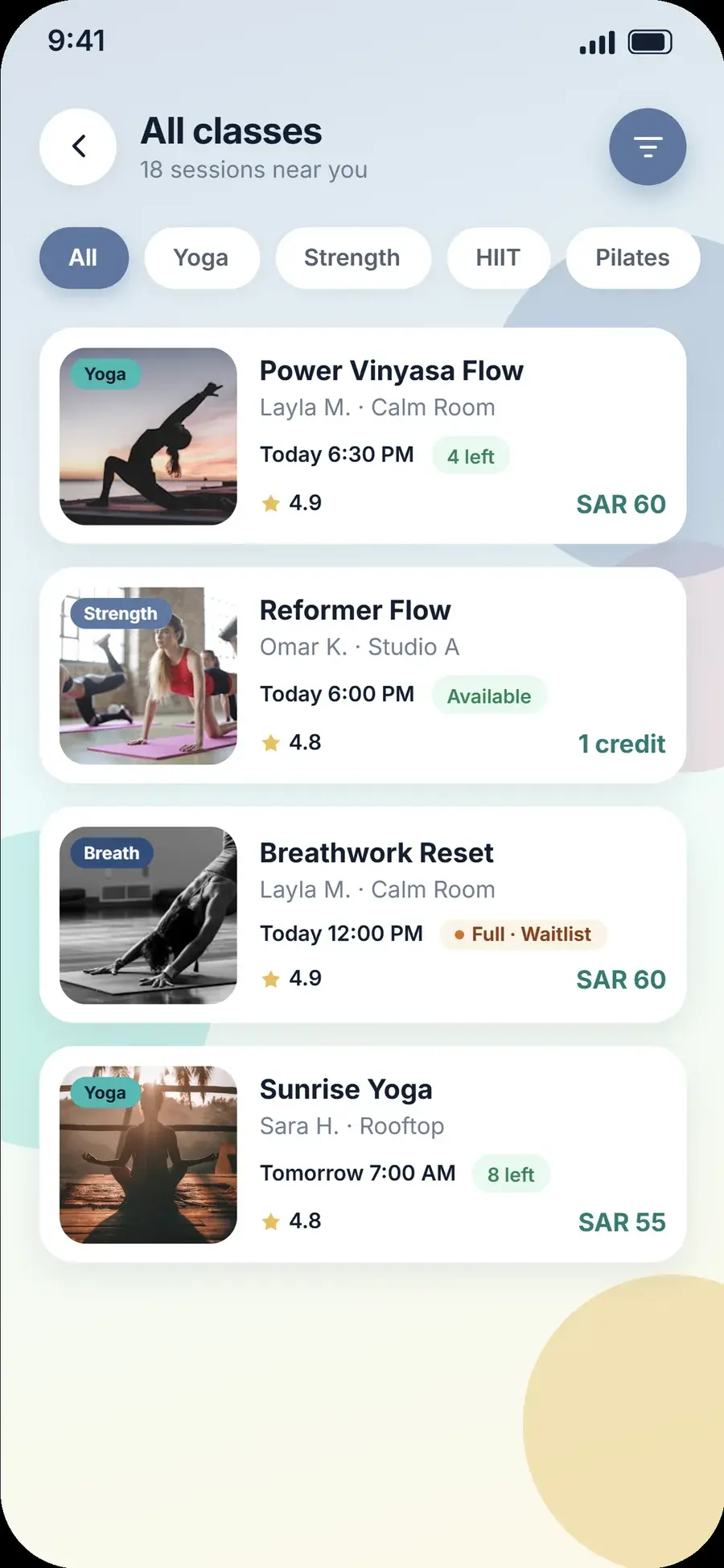
Filter by style, see spots left and book in seconds.
In product
Payments
Cards, wallets and local payment methods.
In product
Follow-up campaigns
Welcome, win-back and new-class launches.
In product
Studio reporting
Fill rate, revenue and instructor performance.
Who it's for
Made for the whole studio.
Owners, instructors and members each have a home in Livwell.
Know which classes earn their slot.
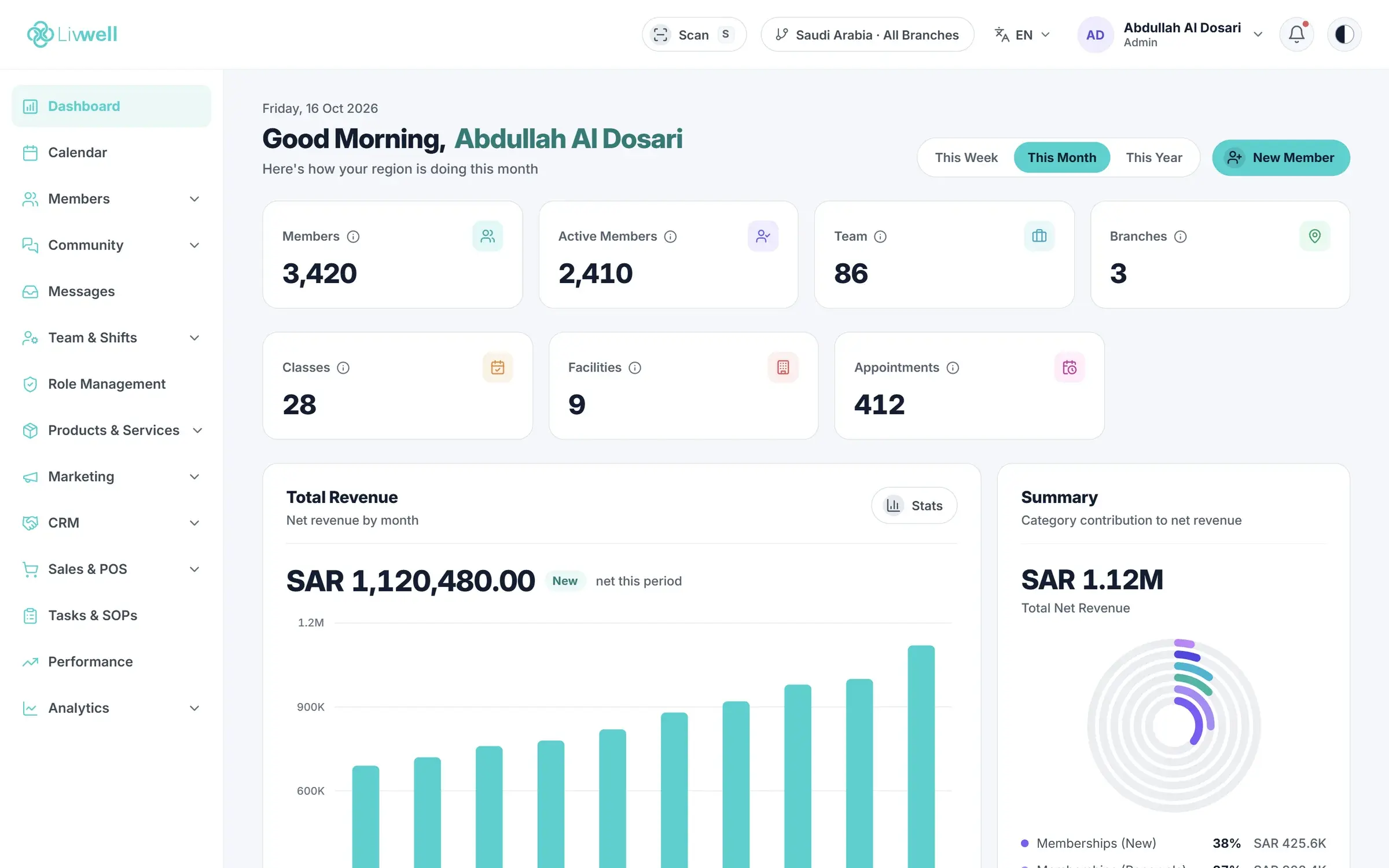
Fill rate, revenue and attendance by class, instructor and time of day.
Spot underused time slots
Package and intro-offer revenue
Multi-studio comparison
platform.golivwell.com
Walk in knowing who's coming.
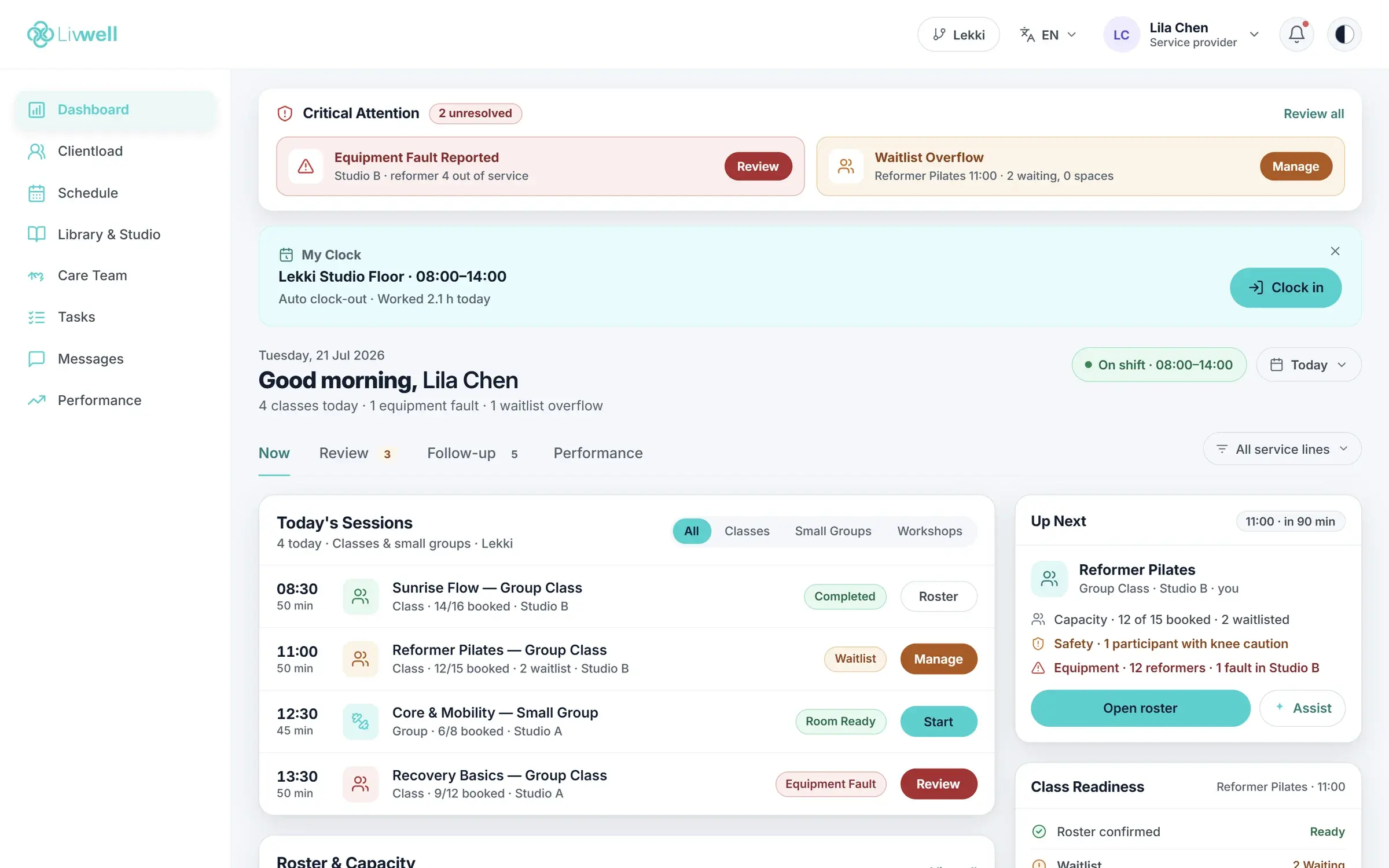
Today's classes, the roster, waitlist alerts and equipment issues on one screen, with clock-in built in.
Today's sessions and what's next
Critical alerts before class starts
Clock in and out from the same view
platform.golivwell.com
Booking that feels like your brand.
Members filter by style, see spots left and instructor ratings, and book with a credit or card.
Spots left and waitlist status
Credits or pay per class
Your name and colors
Instructor day view
Every class starts on time.
Instructors open Livwell and see their sessions, who is booked, what needs attention and what's next, including a reported equipment fault before it ruins a class.
Classes, small groups and workshops
Waitlist overflow and equipment alerts
Clock-in for payroll
platform.golivwell.com
Walkthrough
From first booking to fifth visit.
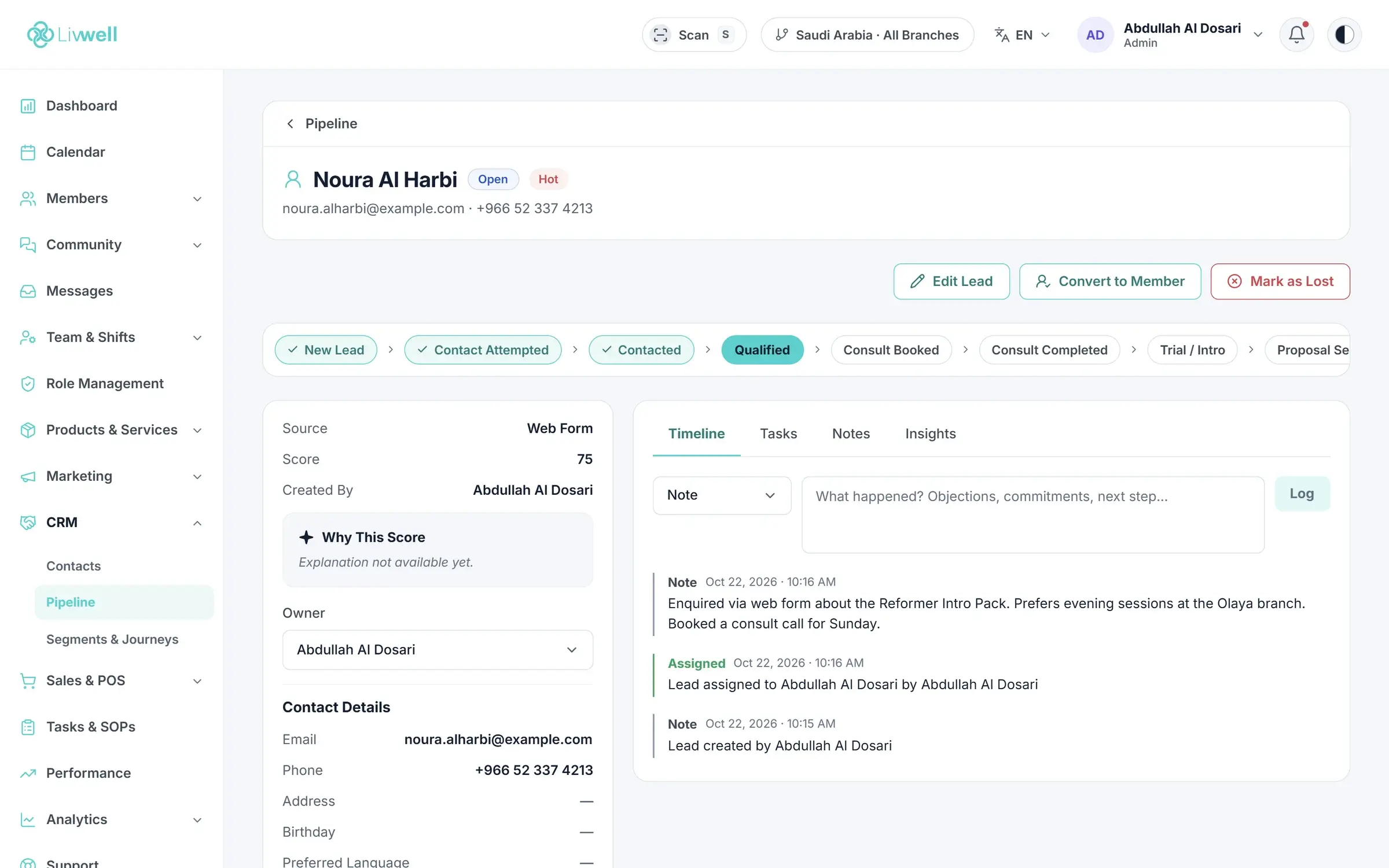
An intro offer turns into a package, a package into a membership. Livwell keeps the journey in one record and prompts the next step at the right time.
Intro offers and first-visit follow-up
Package expiry reminders
Upgrade prompts to membership
platform.golivwell.com
Getting started
Live in about four weeks, with a team beside you.
A named launch team plans the move with you, so the business keeps running while Livwell takes over. Timelines depend on your current system and data.
1Week 1
Map your workflows
We review your services, plans, rooms and current tools, and agree what moves.
2Week 2
Move your data
Members, packages, schedules and billing history are cleaned and imported.
3Week 3
Brand the app and payments
Your branded app, payment methods and messages are set up and tested.
4Week 4
Train and launch
Your team is trained on real workflows and we support the first weeks live.
FAQ
Your questions, answered
Can’t find your answer? Talk to our team and we’ll walk through your setup with you.
It runs a studio's timetable, bookings, packages, payments, instructors and member communication. Livwell adds a branded booking app and reporting, so the whole studio runs from one system.
Does Livwell support waitlists?
Yes. When a class is full, members can join the waitlist and your team sees the overflow on the instructor and front-desk views.
Can we sell class packs and memberships together?
Yes. Class packs, unlimited plans, intro offers and drop-ins can all be sold and redeemed in the same system.
Do instructors need a separate app?
No. Instructors sign in to Livwell and get a day view with their classes, rosters, alerts and clock-in.
Can we move from Mindbody or another platform?
Yes. We map your members, packages, schedules and billing history and plan the move so the studio keeps running. See the migration page for what we move.